


Transfer a Workshare license to a different machine
If you want to stop using Workshare on one device and start using it on another, you can move your license from the old device to the new device.
If you've purchased Workshare 9 or Workshare 9.5 (as well as Compare and Protect), each licensed user is entitled to install the software on up to three devices. If you've installed Workshare on three devices already, you can transfer one of your licenses to a different machine.
Note: Workshare 9 was formerly known as Professional 9.
To transfer a license: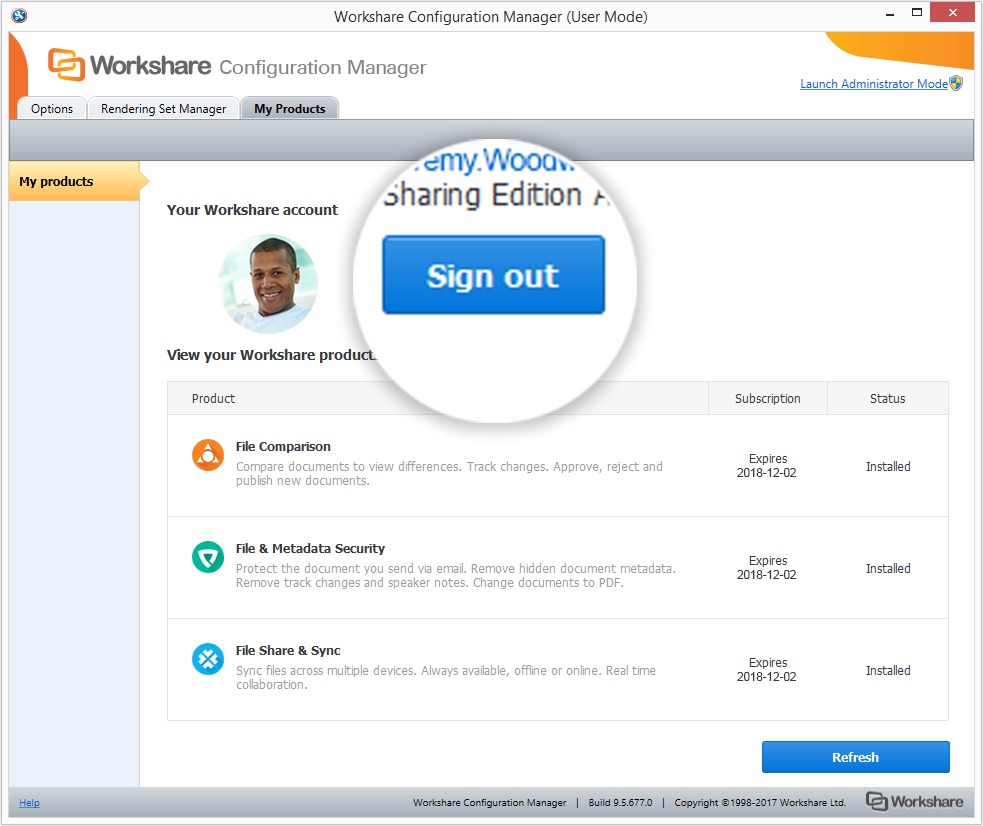
Note: Workshare 9 was formerly known as Professional 9.
To transfer a license:
- On the machine that currently has Workshare installed, launch the Workshare Configuration Manager.
- From the My Products tab, click Sign out.
- Close the Workshare Configuration Manager.
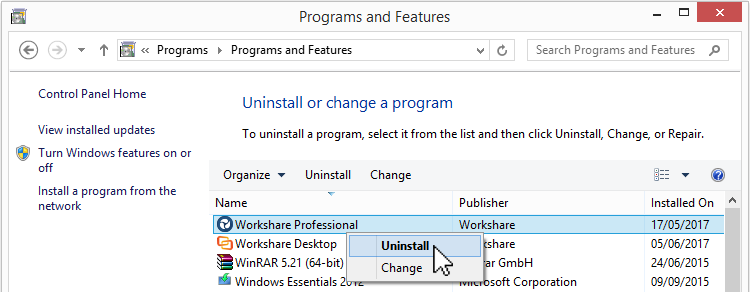
- From the Control Panel, uninstall Workshare.
- On the new machine, download Workshare from the Download Center.
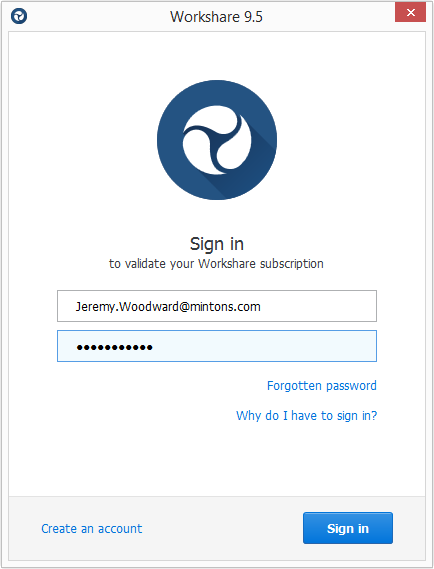
- Install the software. The first time you launch the product, you'll be asked to authenticate the new device by signing in. Use the same credentials you used for the other device.
Environments