


Some files are still uploading
You must keep a folder or group open while files are being uploaded to it. If you leave, the remaining files will not be uploaded.
When you're uploading files to a folder or group, you must remain in the folder or group until the upload completes. If you try to leave my.workshare.com or navigate away from your current folder or group while files are uploading, you'll see an alert to ask you to confirm whether you want to stop the upload.

Leaving my.workshare.com
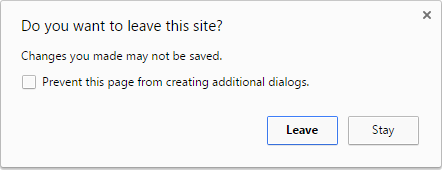
If you try to close your browser or type a different URL into the address bar, you'll see an alert that says, Do you want to leave this site?- To leave my.workshare.com, click Leave. Your remaining files will not be uploaded.
- To stay on my.workshare.com, click Stay. Your files will continue uploading.
Leaving your current folder or group
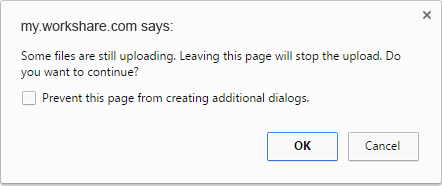
If you try to navigate to an area in Workshare (e.g. Home, Folders, People) or if you try to navigate to a different group, you'll see an alert that says, Some files are still uploading. Leaving this page will stop the upload. Do you want to continue?- To leave your current folder or group, click OK. Your remaining files will not be uploaded and you'll see this notification:
- To stay in your current folder or group, click Cancel. Your files will continue uploading.
Environments