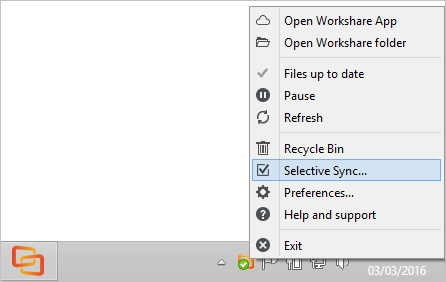
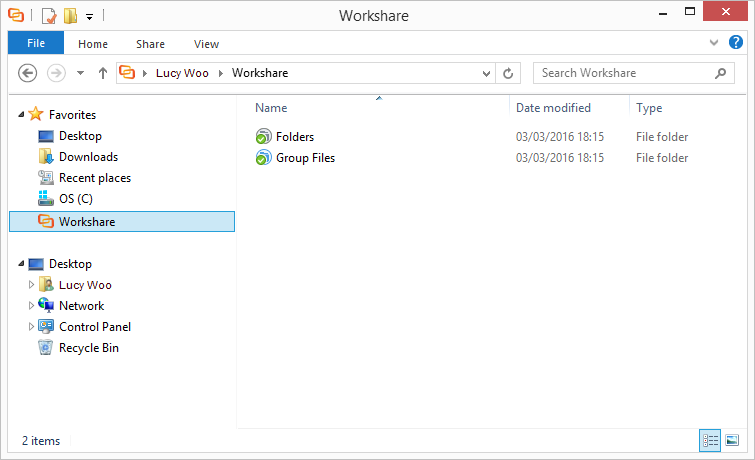
Your Workshare folder is the place to go to access and modify documents on your desktop. Any changes or modifications you make here will be reflected in Workshare. This means that if you add, update or delete a file in the Workshare folder or the Workshare apps, it will be added, updated or deleted in the other locations too.
By default, when you first install the desktop app, all your files will sync to your Workshare folder on your computer. New folders shared with you are always available in Workshare, but won't sync by default. You can change which files sync at any time, using selective sync.